 MPXAir docs
Using MPXAir
Preferences and shortcuts
Appearance, defaults, maps, telemetry rates, and keyboard shortcuts.
General
- Style: follow Ubuntu, light, or dark.
- Default waypoint altitude and default takeoff altitude.
- Flight trail on the map: 10 s … 5 min, or the whole flight.
- Record telemetry logs (
.tlog).
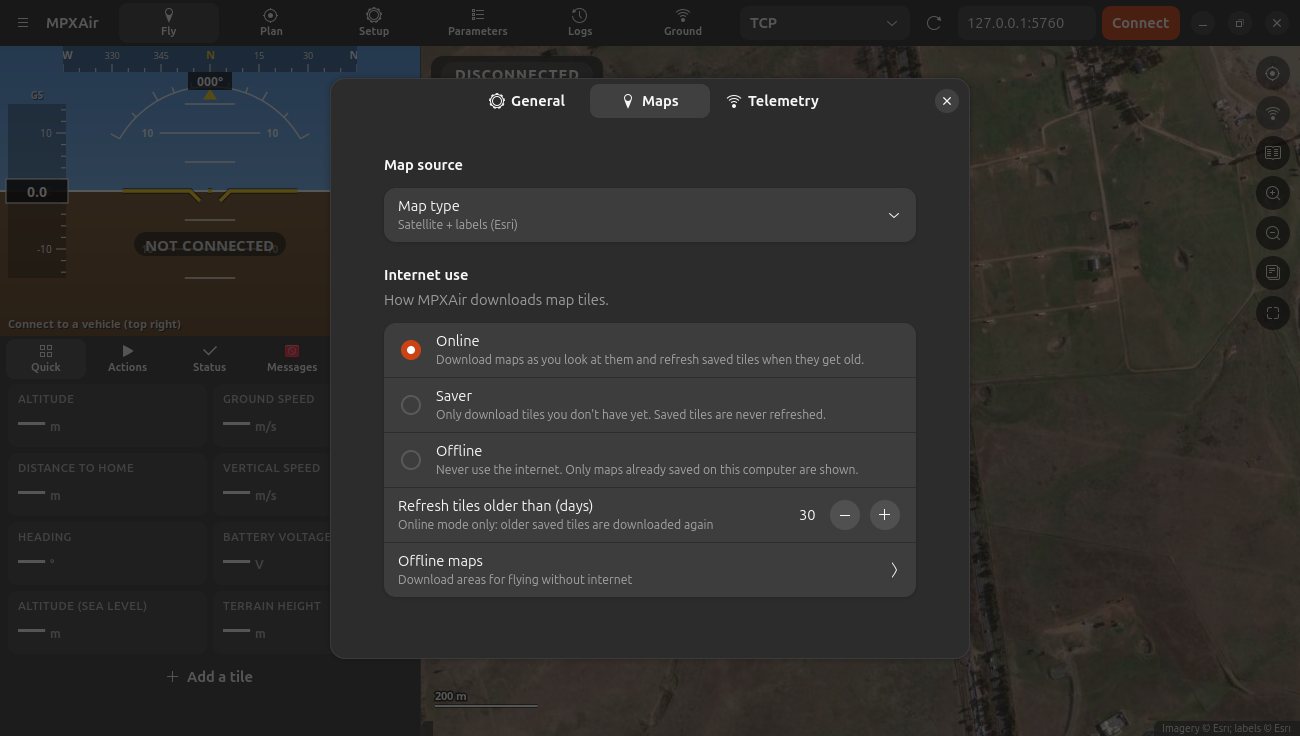
Maps
Map type, internet use, the refresh age for saved tiles, and a link to Offline Maps. See Maps.
Telemetry
How often the aircraft sends each kind of data (attitude, position, status, sensors, radio channels). Lower these on slow radio links. They take effect on the next connection. Here you can also update the parameter descriptions.
Keyboard shortcuts
| Keys | Action |
|---|---|
| Alt+1 … Alt+6 | Switch screens (Fly, Plan, Setup, Parameters, Logs, Ground) |
| Ctrl+, | Preferences |
| Ctrl+Z / Ctrl+Shift+Z | Undo / redo in Plan |
| Delete | Delete the selected plan items |
| Ctrl+Q | Quit |