 MPXAir docs
Using MPXAir
Frame and calibration
Frame type, accelerometer, compass and radio calibration — do these before the first flight.
Frame type
Setup → Frame type sets FRAME_CLASS and FRAME_TYPE (or the QuadPlane Q_FRAME_* settings) and the board orientation.
A diagram shows the motor layout of the selected frame. Reboot after changing the frame class.
Accelerometer
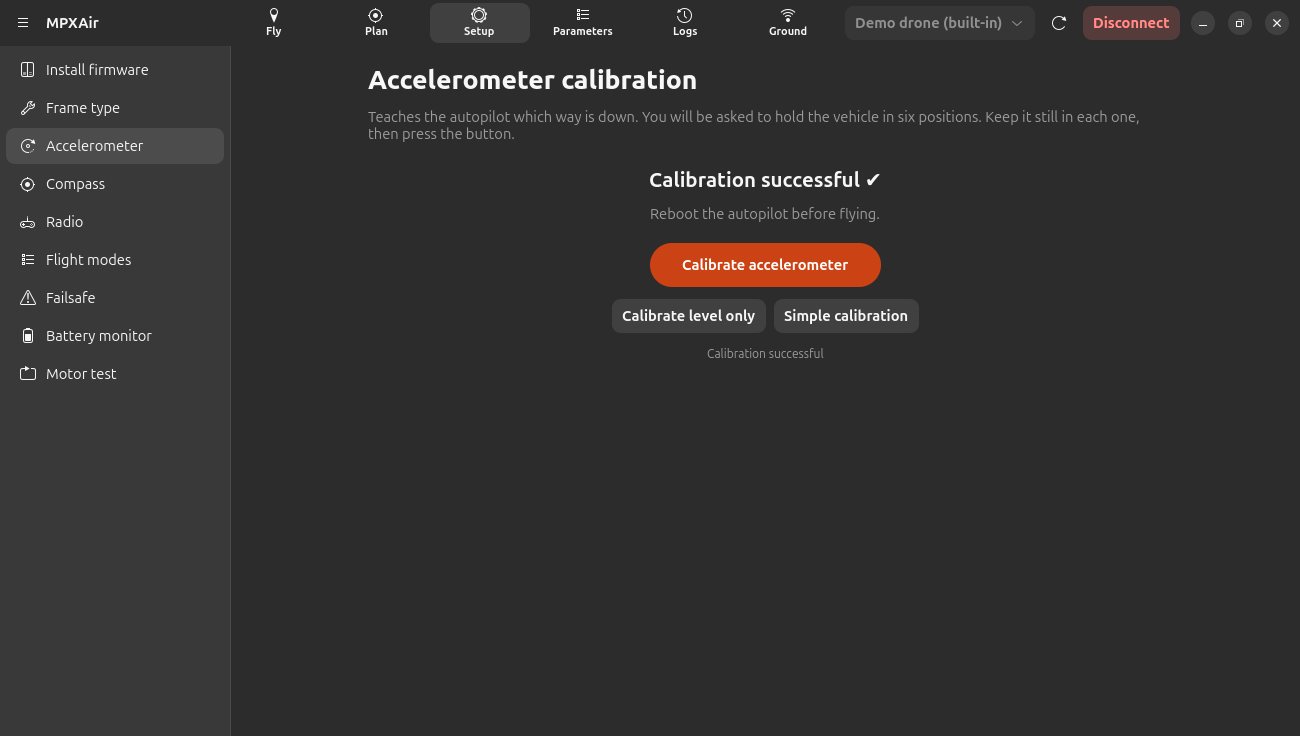
- Press Calibrate accelerometer.
- MPXAir asks for six positions in turn: level, left side, right side, nose down, nose up and on its back. Hold the vehicle still and press Done — next position each time.
- When it says Calibration successful, reboot the autopilot.
Also available: Calibrate level only (trims roll and pitch with the vehicle level) and Simple calibration (one position, for large vehicles).
Compass
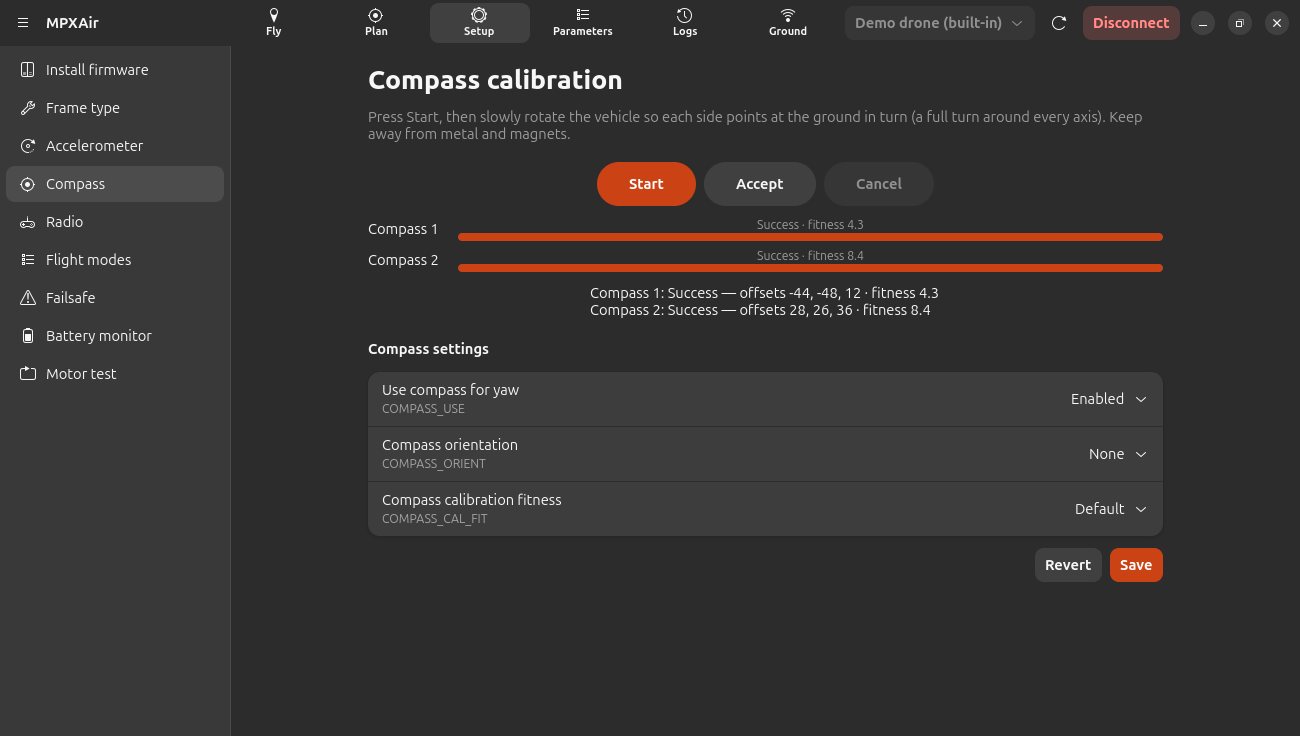
- Move away from metal, cars and magnets. Press Start.
- Slowly turn the vehicle so each side points at the ground in turn. The bars show progress for each compass.
- When all compasses say Success, press Accept if asked, then reboot.
Lower fitness numbers are better. Below the calibration are the compass settings (use, orientation, fitness).
Radio
- Switch the transmitter on. You should see the bars move.
- Press Calibrate and move every stick and switch to both ends.
- Centre the sticks, put the throttle down, and press Done. Check the values and press Save.